TypeFlow screenshot

In the works

Mac

08Autocomplete

TypeFlow

Finishes your sentences in every app on your Mac.

See it work

A recreation, running in your browser

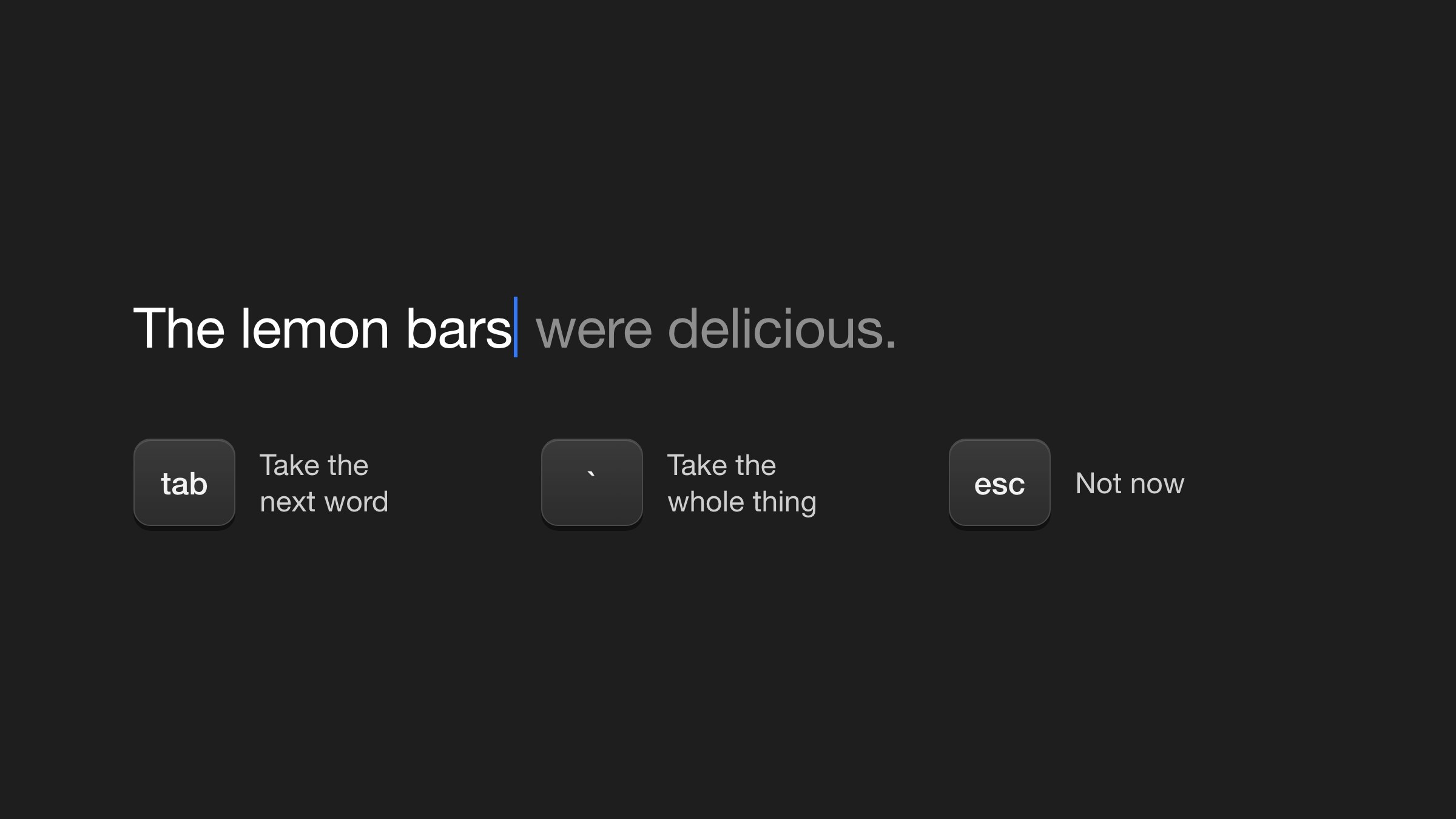
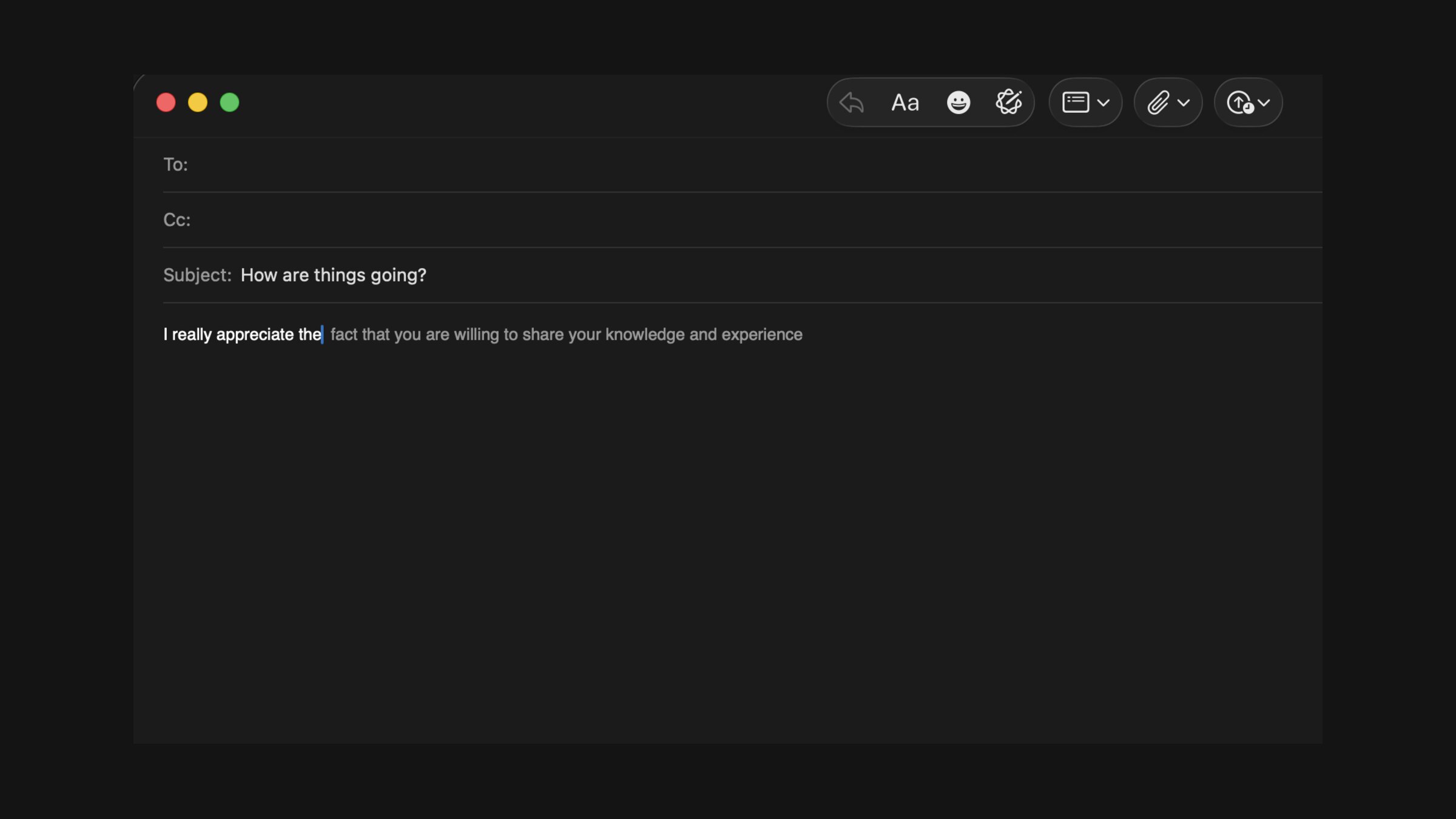
A recreation of TypeFlow in a Mail draft. Tab takes the next word; the key above it takes the rest.

The short version

Autocomplete

TypeFlow is autocomplete for your whole Mac. As you write an email, a document or a chat, it suggests what comes next in light gray text, right where you're typing. Press a key to take it, or keep typing and it gets out of the way.

Why I made it

What it does

I wanted autocomplete everywhere I write, without sending every sentence to somebody's server.
It runs entirely on your Mac. Your half-finished thoughts stay where they belong.
  1. 01

    Gray suggestions appear as you type

  2. 02

    Tab takes the next word

  3. 03

    One key takes the whole suggestion

  4. 04

    Works across the apps on your Mac

  5. 05

    Stays out of password fields and password managers

  6. 06

    Can learn how you write, only if you turn that on

  7. 07

    Runs on your computer, never online

Start typing

In whatever app you're already using. There's nothing new to open.
01

Pause for a moment

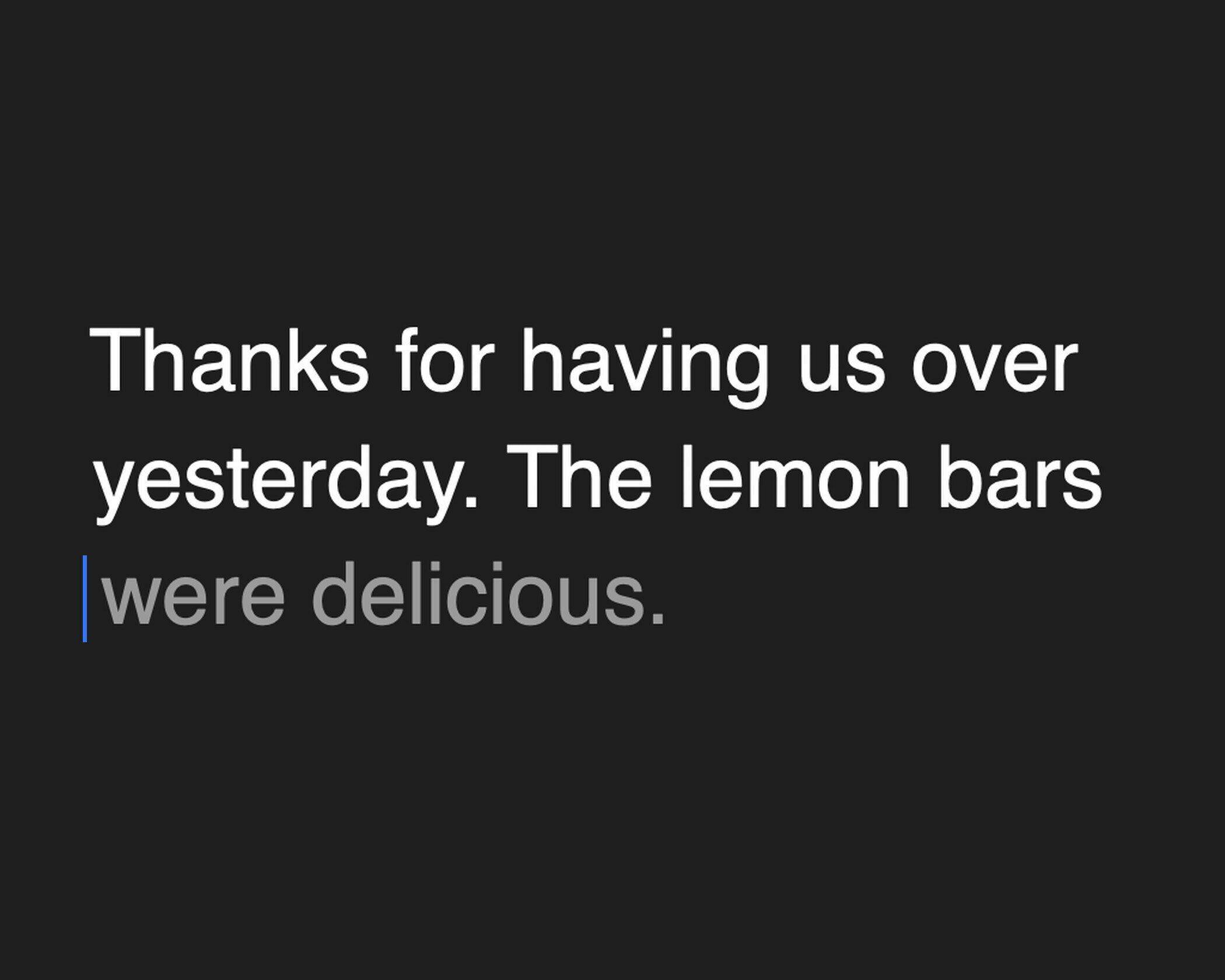
Gray text appears at your cursor with its best guess at what you'll say next.

02

Take it or leave it

Tab accepts a word at a time. If it's wrong, keep typing, and we'll never speak of it again.

03

See it work

How TypeFlow works, in three steps.

Where it stands

In the works

TypeFlow runs on my Mac and isn't ready for anyone else's yet. It takes some setup, including an AI model that lives on your computer. The version you'll try here is a small recreation, so you can feel how it works in your browser.

A closer look

2 screenshots

Tab takes the next word, the key above it takes the whole suggestion
A suggestion in Mail
Next app · 01Slate →Plain notes that stay yours. Your hands never leave the keyboard.